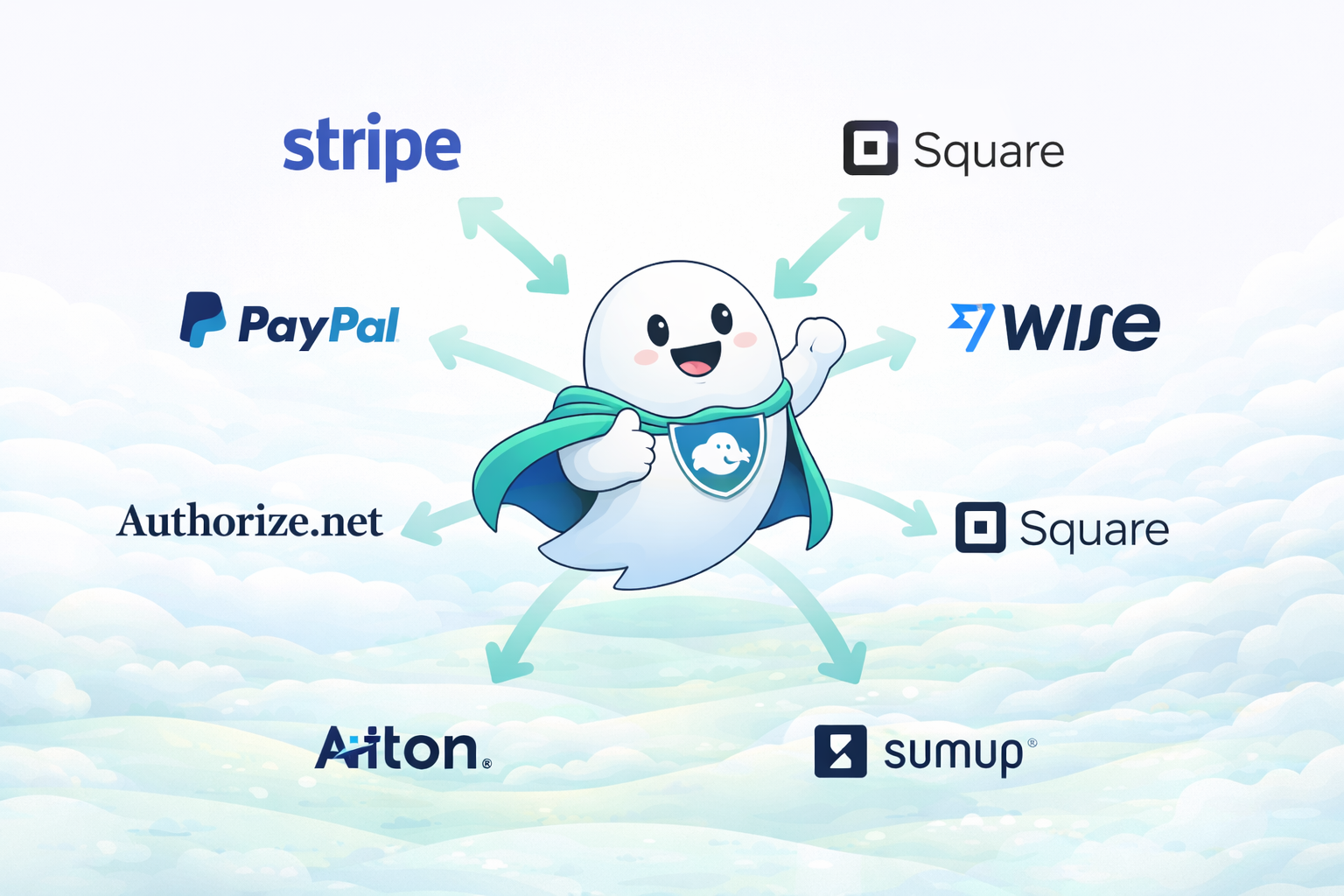
Route WooCommerce Payments Across Multiple Payment Gateways
WordPress plugin that integrates directly with WooCommerce, allowing you to route orders to multiple payment links and split transaction volume across different payment providers without handling sensitive card data on your website.
- ✔ WordPress plugin with WooCommerce integration
- ✔ Custom payment link per each product
- ✔ All gateways & payment links supported
- ✔ Split payment volume across providers
- ✔ No card data stored on your website
How Ghost Pay Works
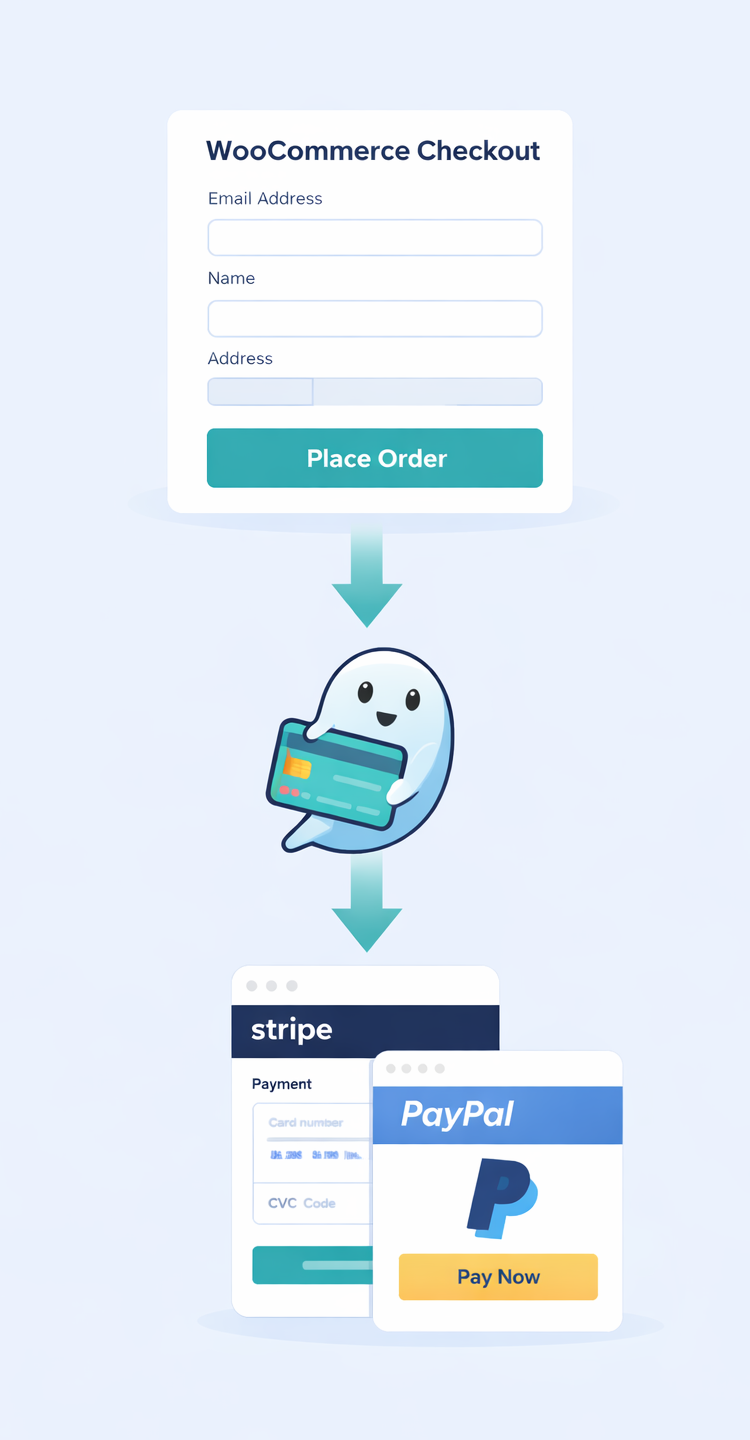
Ghost Pay is a WordPress plugin that connects directly to WooCommerce. After purchasing a plan, you activate the plugin using a license key and start routing payments through hosted payment links — without handling sensitive card data on your website.
Install & Activate the Plugin
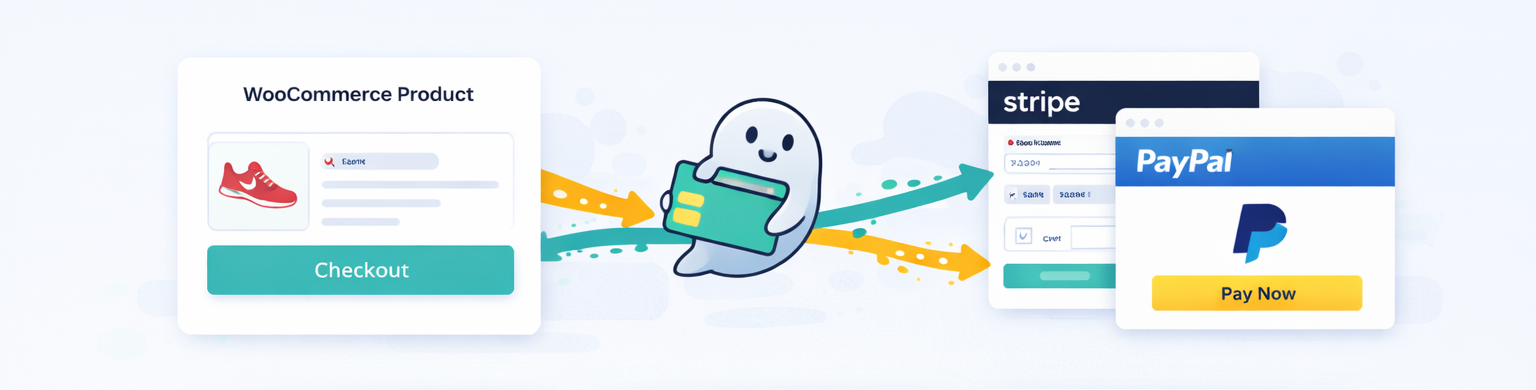
Install the Ghost Pay plugin on your WordPress website. After purchasing a plan, you will receive a license key. Enter the license key to activate the plugin and start using the service.
Connect Payment Links in WooCommerce
Add payment links from any supported payment gateway and assign them to WooCommerce products. You can use one link per product to distribute payment volume.
Redirect & Confirm Orders
Customers are redirected to secure hosted checkout pages to complete payment. Orders are automatically confirmed in WooCommerce via webhooks after successful payment.
Per-Product Custom Payment Links
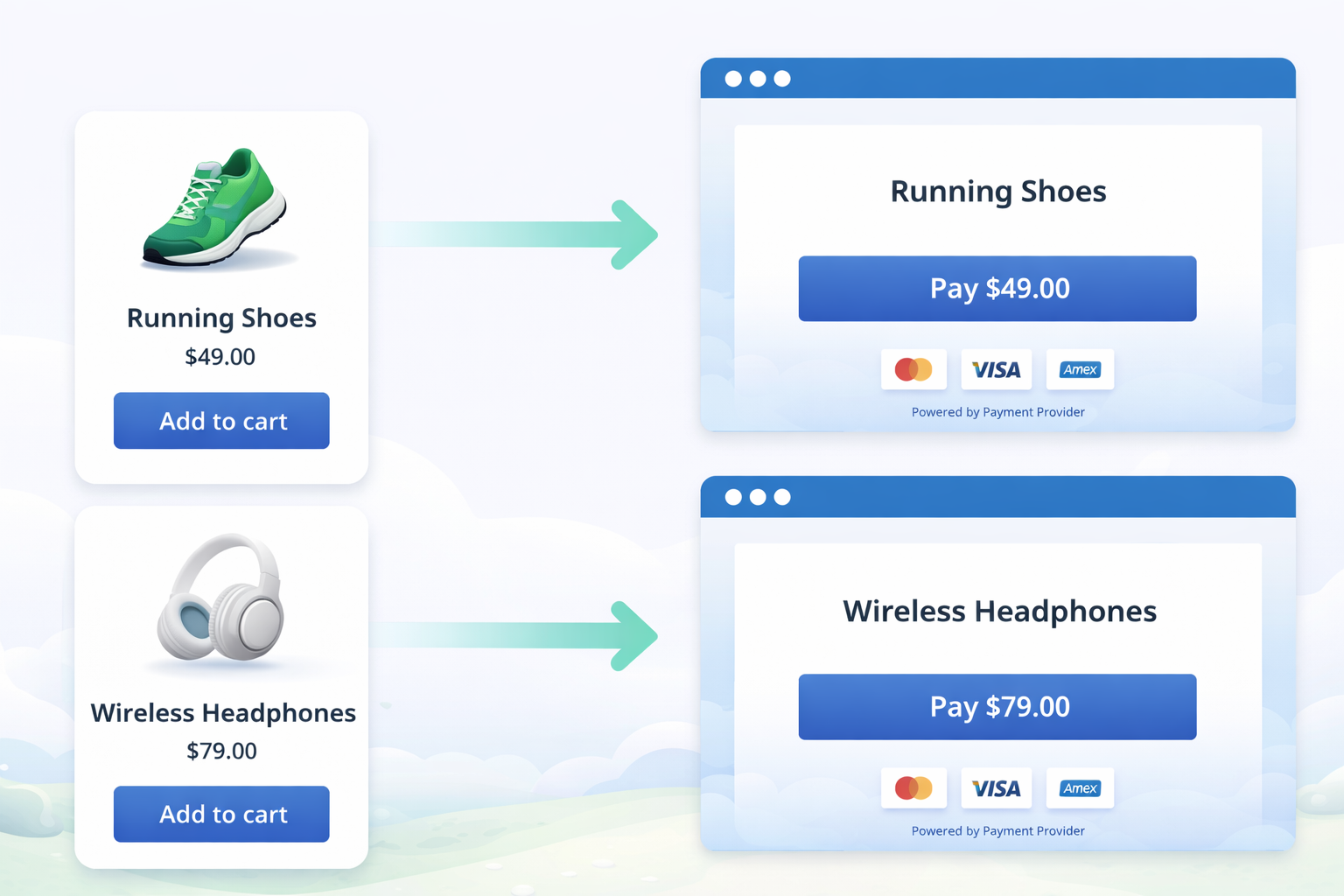
Ghost Pay allows you to assign a unique hosted checkout page to each WooCommerce product, giving you full control over how payments are processed.
Unique Checkout per Product
Each WooCommerce product can be linked to its own dedicated payment page.
Precise Payment Control
Choose exactly which payment link is used for each individual product.
Seamless WooCommerce Flow
Works natively with WooCommerce products and checkout behavior.
No Code Configuration
Set payment links directly from your dashboard without writing code.
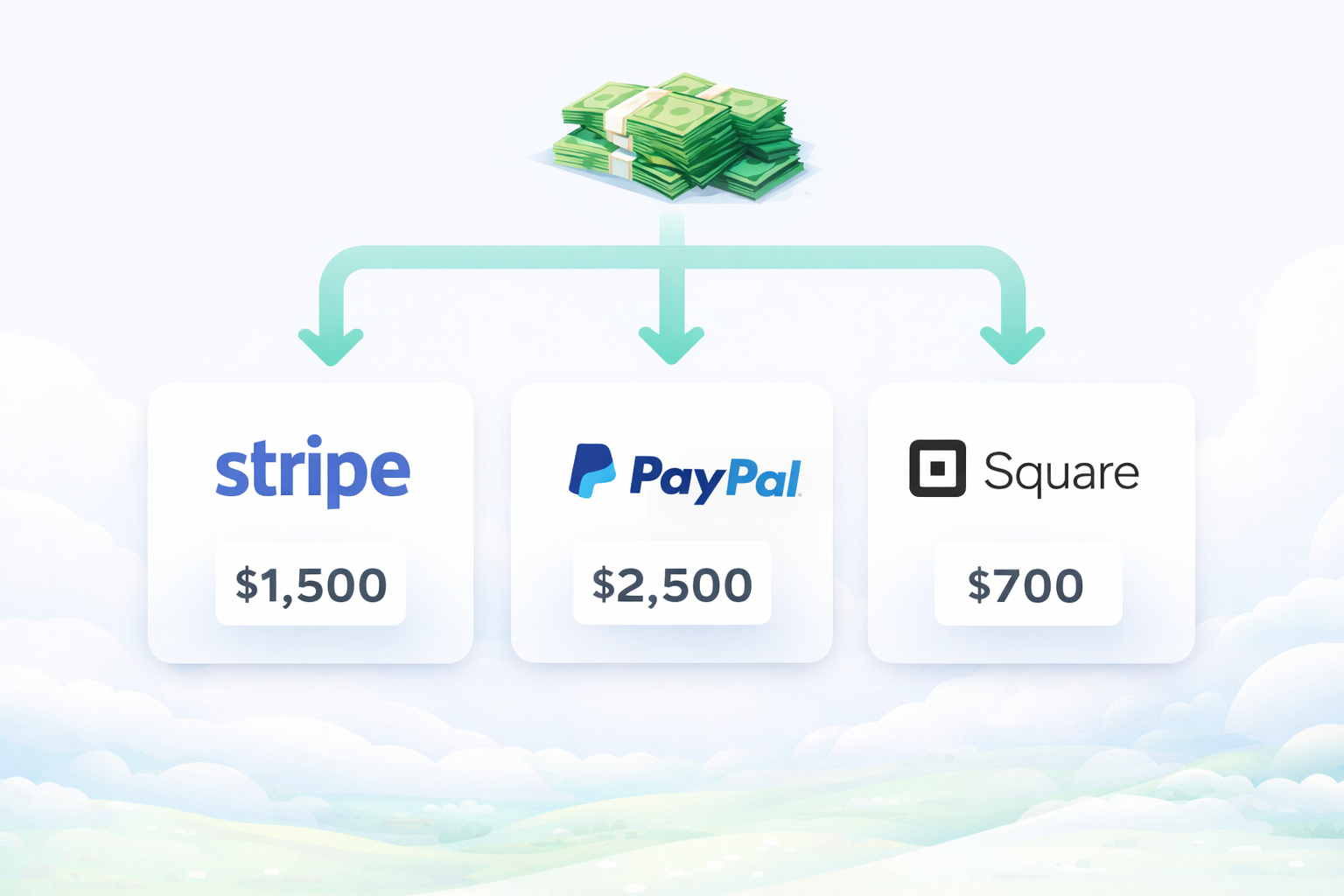
Split Payments Across Providers
Ghost Pay allows you to distribute transaction volume across multiple payment providers, helping you manage payments more efficiently.
Smart Payment Distribution
Automatically route payments to different providers based on your setup.
Balanced Transaction Volume
Distribute payment volume across providers to maintain a structured flow.
Works With Multiple Providers
Compatible with any provider that supports hosted payment pages.
Flexible Configuration
Adjust payment distribution rules without writing any code.
Works With Any Payment Link
Ghost Pay is fully gateway-agnostic, allowing you to redirect WooCommerce checkout to any hosted payment page — without being limited to a specific provider.
Provider-Agnostic Design
Use any payment provider that supports hosted checkout pages.
Redirect-Based Checkout
Customers are securely redirected to external payment pages.
No Platform Lock-In
Switch or combine payment providers without changing your checkout flow.
Simple Configuration
Connect payment links easily from your dashboard with no code.